
Proposed Items
Add work to your timesheet without searching — from your assigned items, last week's items, or a teammate's timesheet.
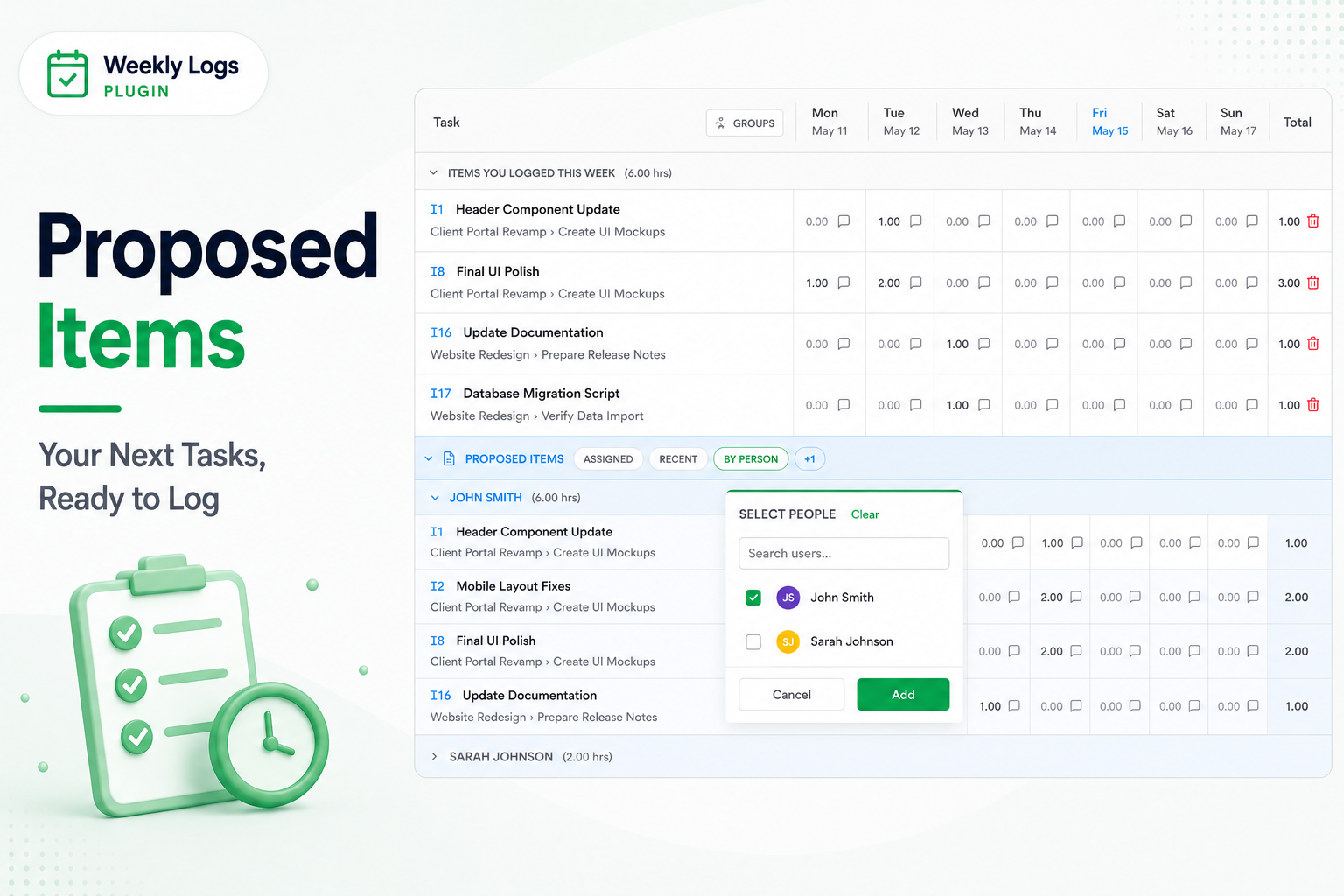
Proposed Items sits below Items You Logged This Week and suggests tasks you probably want to log against. Click a suggestion to move it into your timesheet, then enter hours like any other row.
The section has four tabs. A dimmed tab has nothing to offer for this week.
| Tab | What it suggests |
|---|---|
| Assigned | Work items in progress and assigned to you. |
| Recent | Items you logged time on last week — the usual case when work carries over. |
| By Person | Items from one or more teammates' timesheets, grouped by person. Click + on the tab to pick people. Useful for shared tasks and pairing. |
| Meetings | Your Outlook calendar events and Teams calls. See Meetings. |
When it appears
Proposed Items shows only on your own timesheet (Team Logs off), in List or Grouped view. It is hidden in the Team Logs layout.
By Person copies items, not entries
By Person adds the teammate's item to your timesheet so you can log your own time on it. To edit another person's entries, use Team Logs.