
Filters
Narrow the Weekly Logs grid by item, workstream, team, assignee, or organization, and combine filters.
On this page
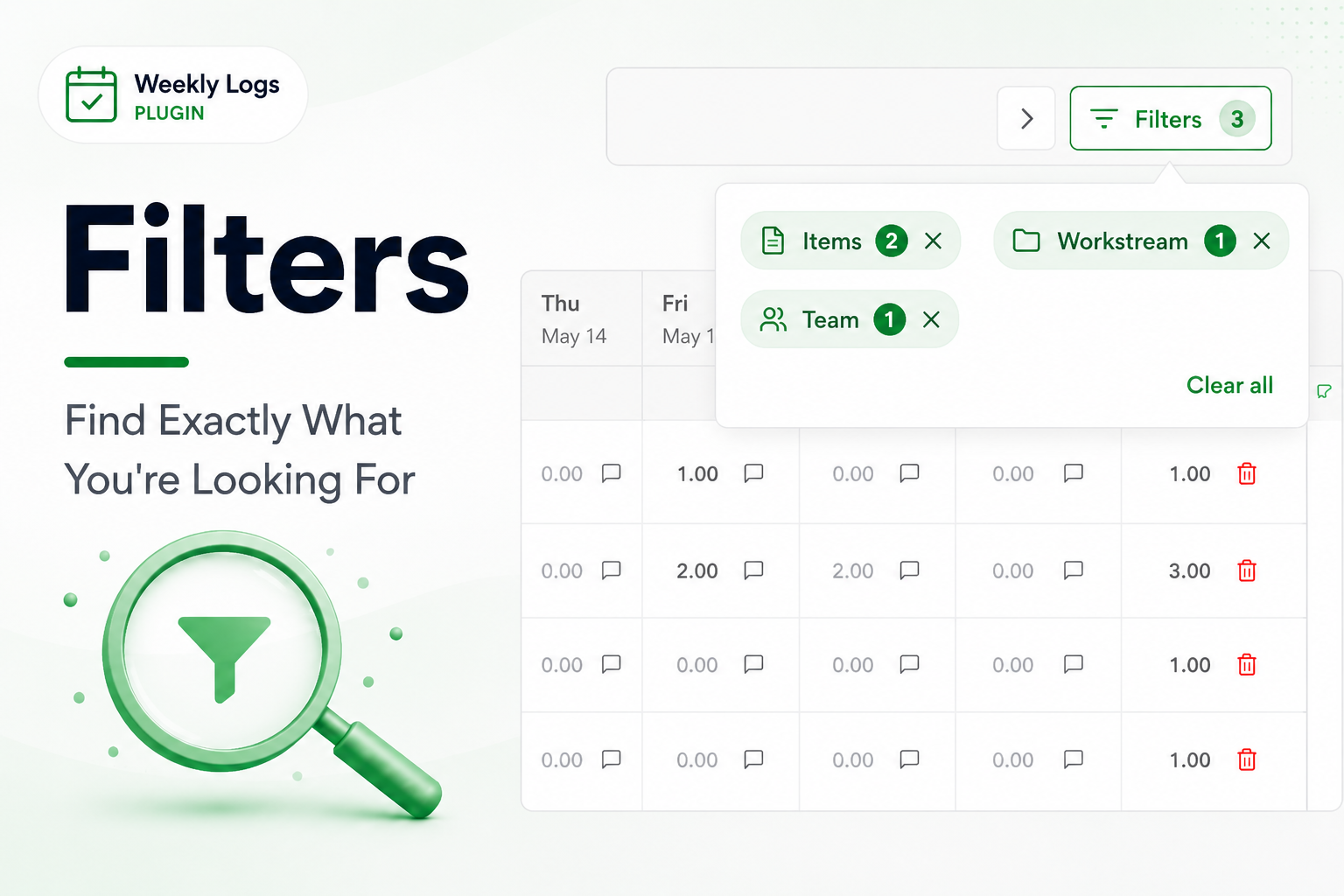
When the week grows long, filter the grid down to the rows you care about.
- Click Filters in the toolbar.
- Pick a filter type, make your selections, and click Apply.
- The grid shows only matching rows. Active filters appear as chips above the grid.
| Filter | Narrows to | Available |
|---|---|---|
| Items | Tasks whose number or title matches the chips you add (press Enter after each keyword or item number) | Always |
| Workstream | Tasks under the selected workstream path | Always |
| Team | Tasks belonging to the selected teams | Always |
| Assignee | Selected people and the tasks they logged time on | Team Logs only — see Team Logs |
| Organizations | One organization's rows | All Orgs view only — see Organization Switch |
Combining filters#
A row must match every active filter type to stay visible. Within one filter type, several values match any of them.
Removing filters#
Click X on a chip to drop that filter type, or Clear All to reset. Switching Team Logs on or off clears workstream filters.