
Navigation
Step between weeks with the arrows, jump to any date with the date picker, and get back to the current week.
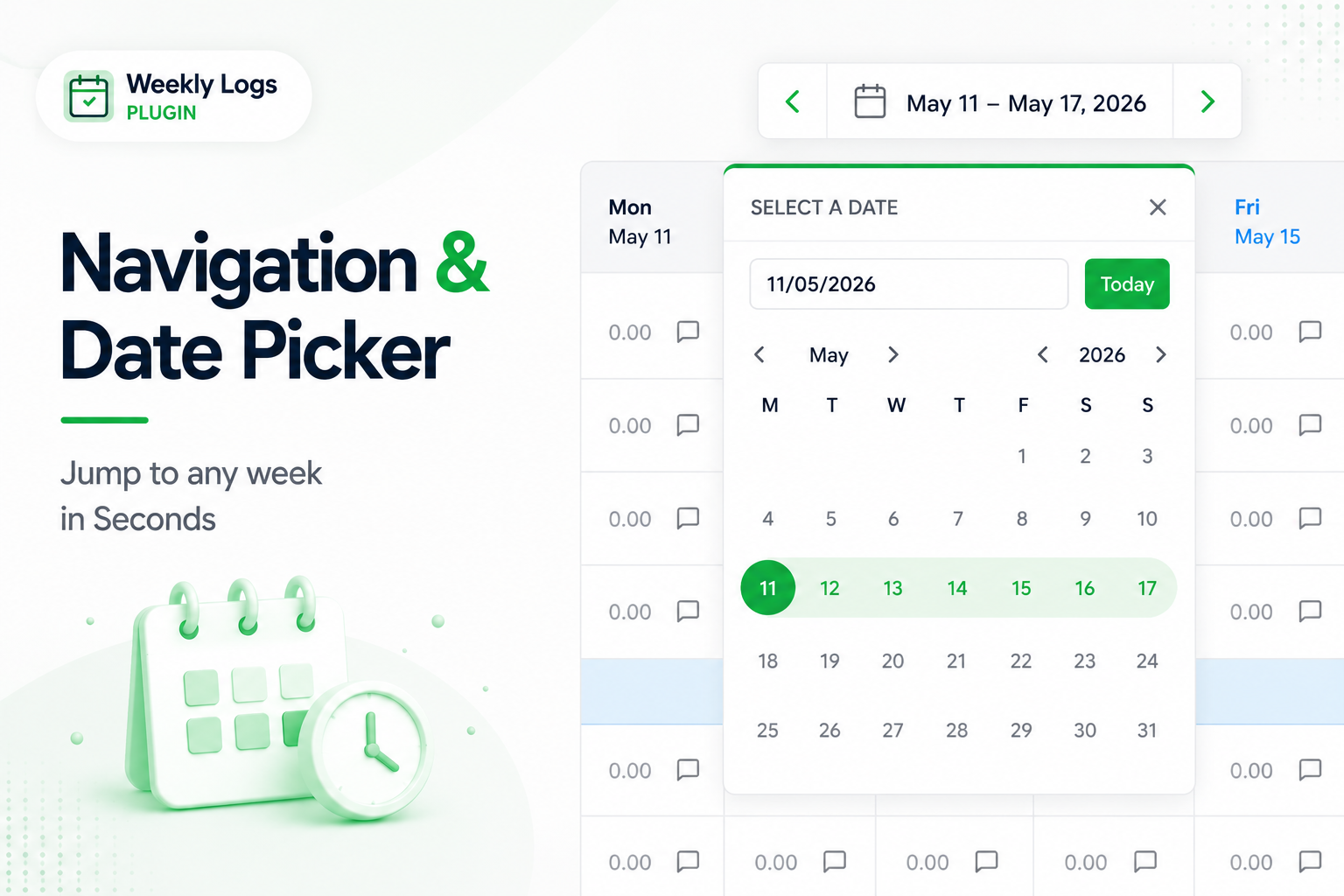
The toolbar shows the current week as a date range — for example May 11 – May 17, 2026 — with arrows either side.
Step through weeks#
Click the left arrow for the previous week or the right arrow for the next. The grid and the date range move together.
Jump to any week#
To correct a past week or plan a future one:
- Click the date range to open the date picker.
- Move between months with the arrows, or step through years for further back or forward. You can also type a date as DD/MM/YYYY and the calendar jumps to that month.
- Click a date. The grid opens on the Monday of that week, whichever day you clicked.
Return to the current week#
Click Today inside the date picker.